
 Kobe Dereyne
Pompeii
...is a Vulkan-based Graphics Renderer written in C++. It started as a learning project to explore the Vulkan API, but is now also powering Kobengine.
...is a Vulkan-based Graphics Renderer written in C++. It started as a learning project to explore the Vulkan API, but is now also powering Kobengine.
This project is in active development, meaning it is actively evolving and being worked on, as there is always something new to add, tweak, or improve!
Pompeii nowadays builds as a standalone library and serves as the renderer behind my game engine Kobengine and its editor Kobeditor. Look around here, or at the code on GitHub to see what Pompeii has become so far!
Real-time dynamic rendering with smooth transitions and frame buffers.
Efficient memory management by using bindless resources in shaders.
Optimized rendering technique for handling complex lighting and shadows.
Realistic material and light interaction using physically accurate models.
High-quality lighting from environmental textures for realistic scenes.
Automatic adjustment of exposure settings for consistent image brightness, using compute shaders.
Converts HDR images to fit within a display’s limited dynamic range.
Efficiently renders shadows by using depth information from the light’s perspective.
Physically-based light units: directional lights in lux, point lights in lumen with falloff.
The HDR environment map is rendered as the scene background wherever no geometry is visible.
Optimized transparency rendering by discarding pixels based on alpha values.
Improves texture rendering performance by generating multiple resolution levels.
Provides tools for debugging graphics and performance in real-time.
A physical camera for the user to traverse the scene.
Hover or tap a feature to see its description.

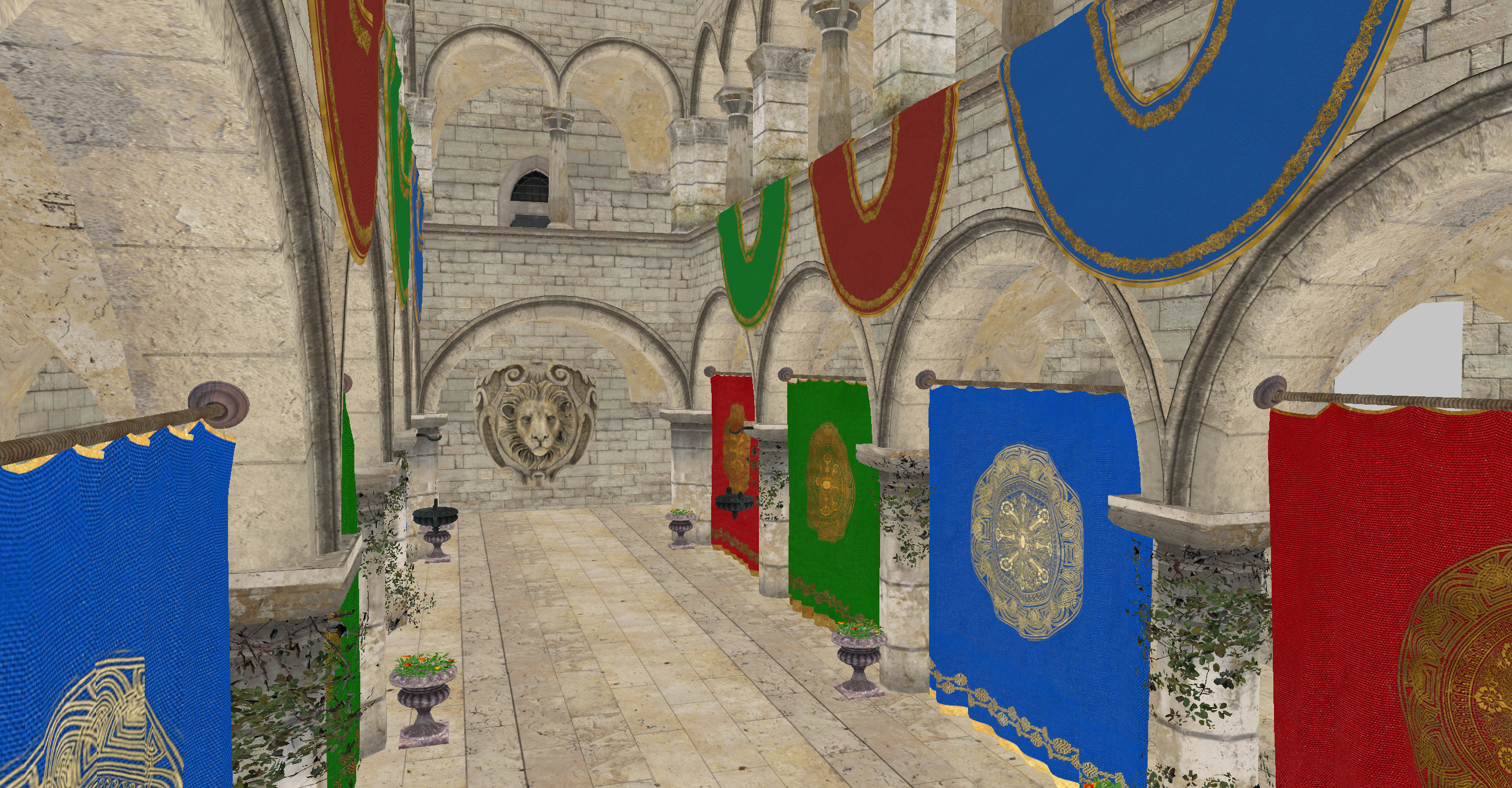
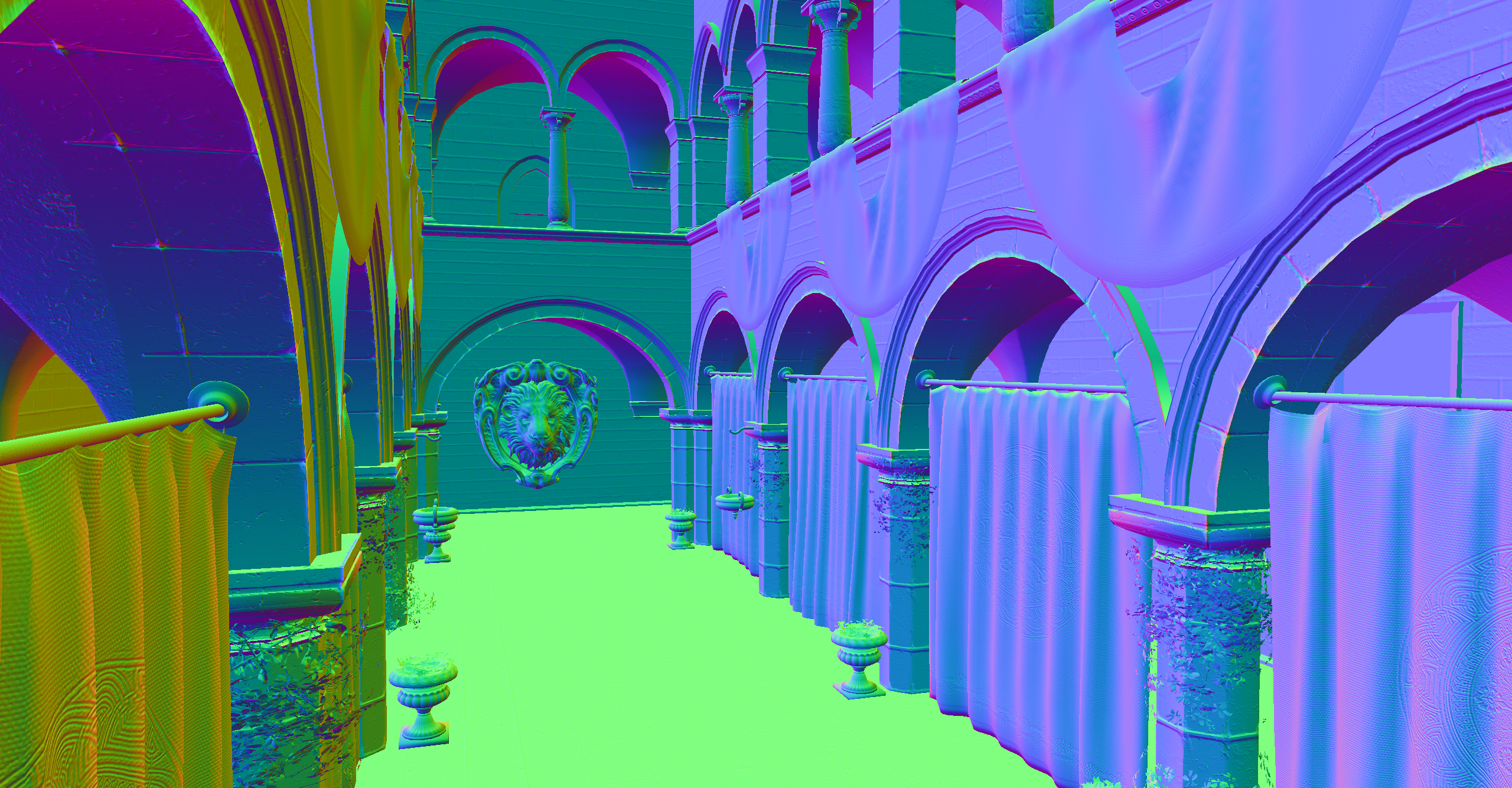
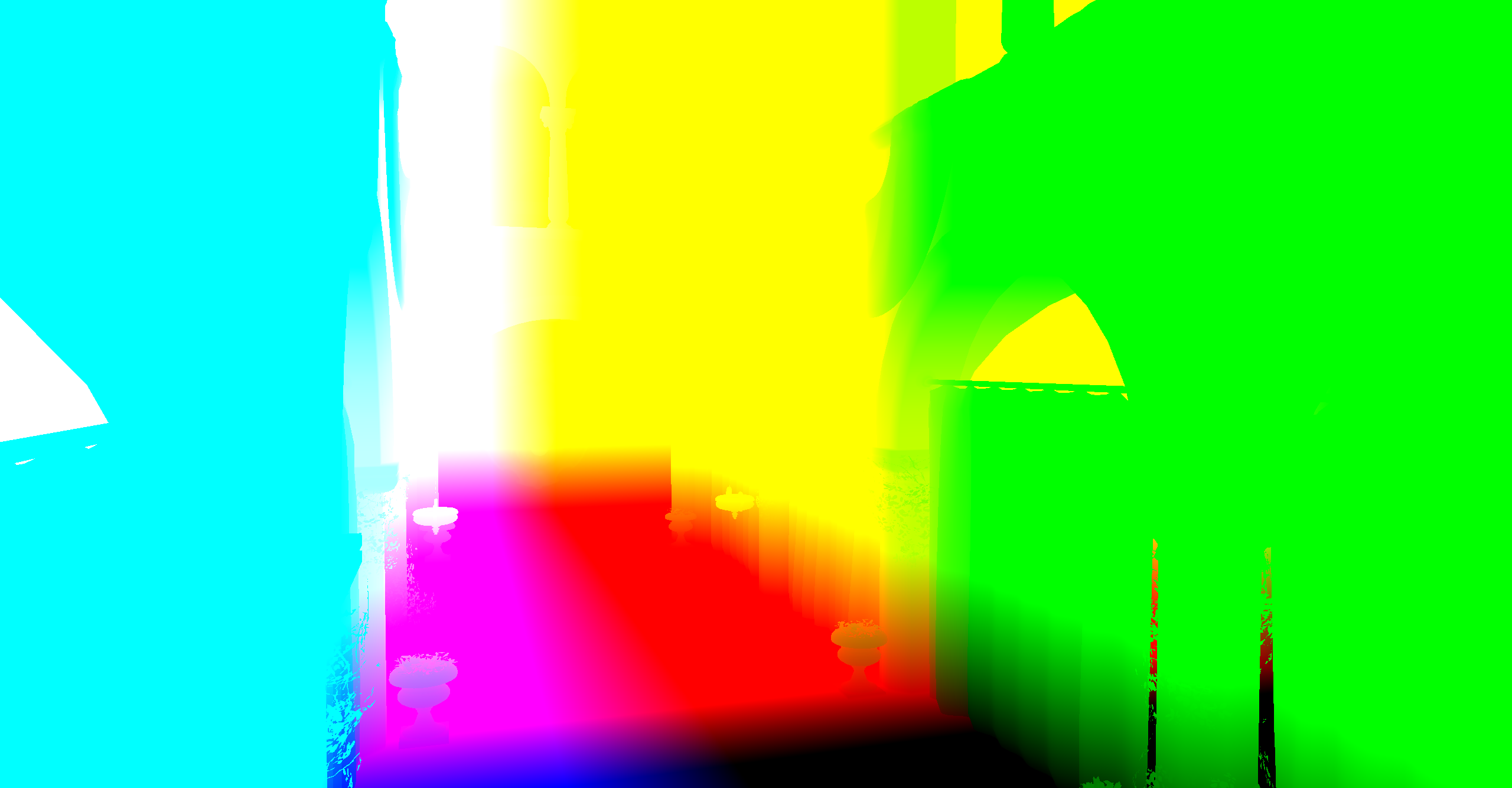
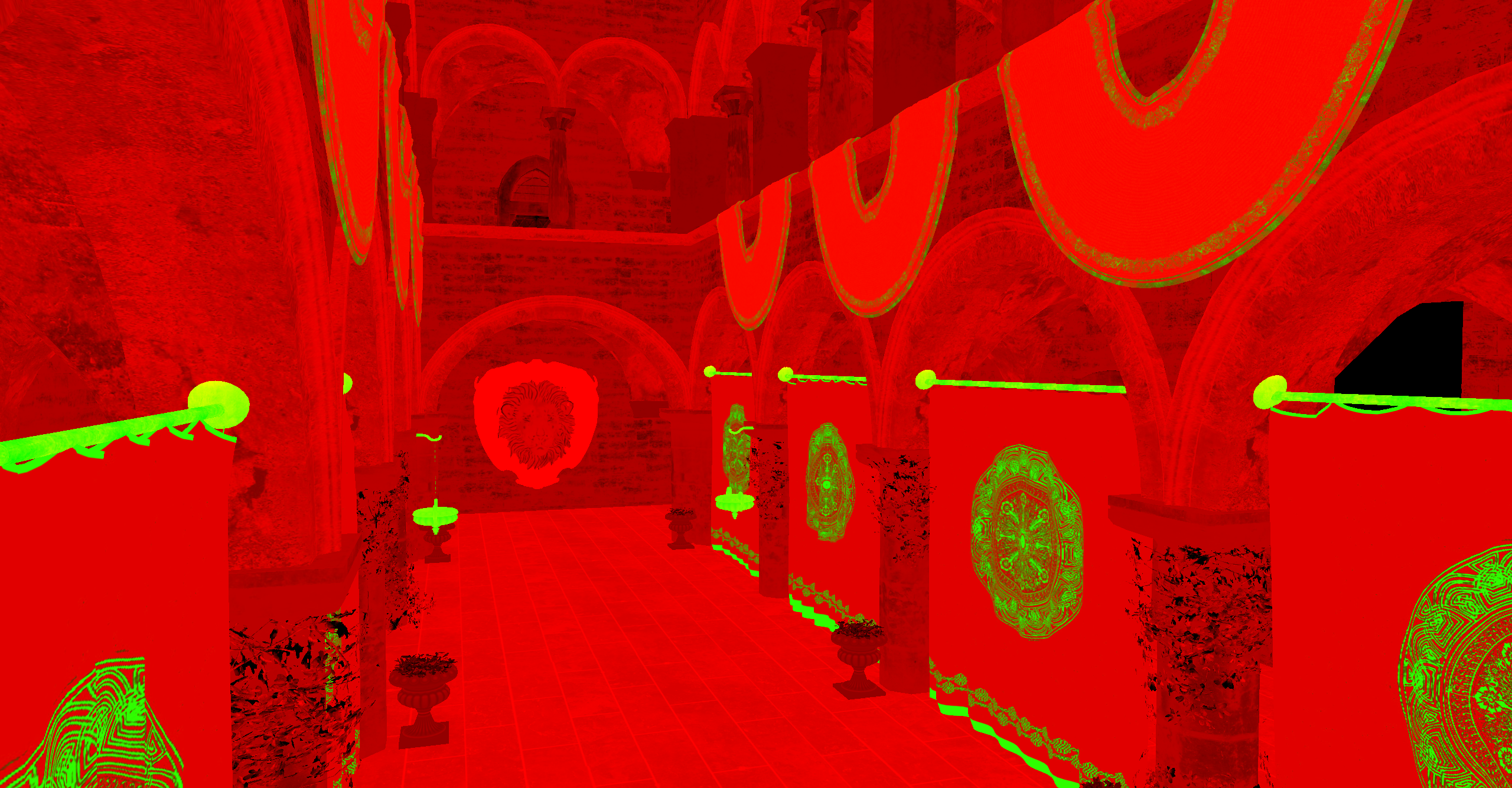
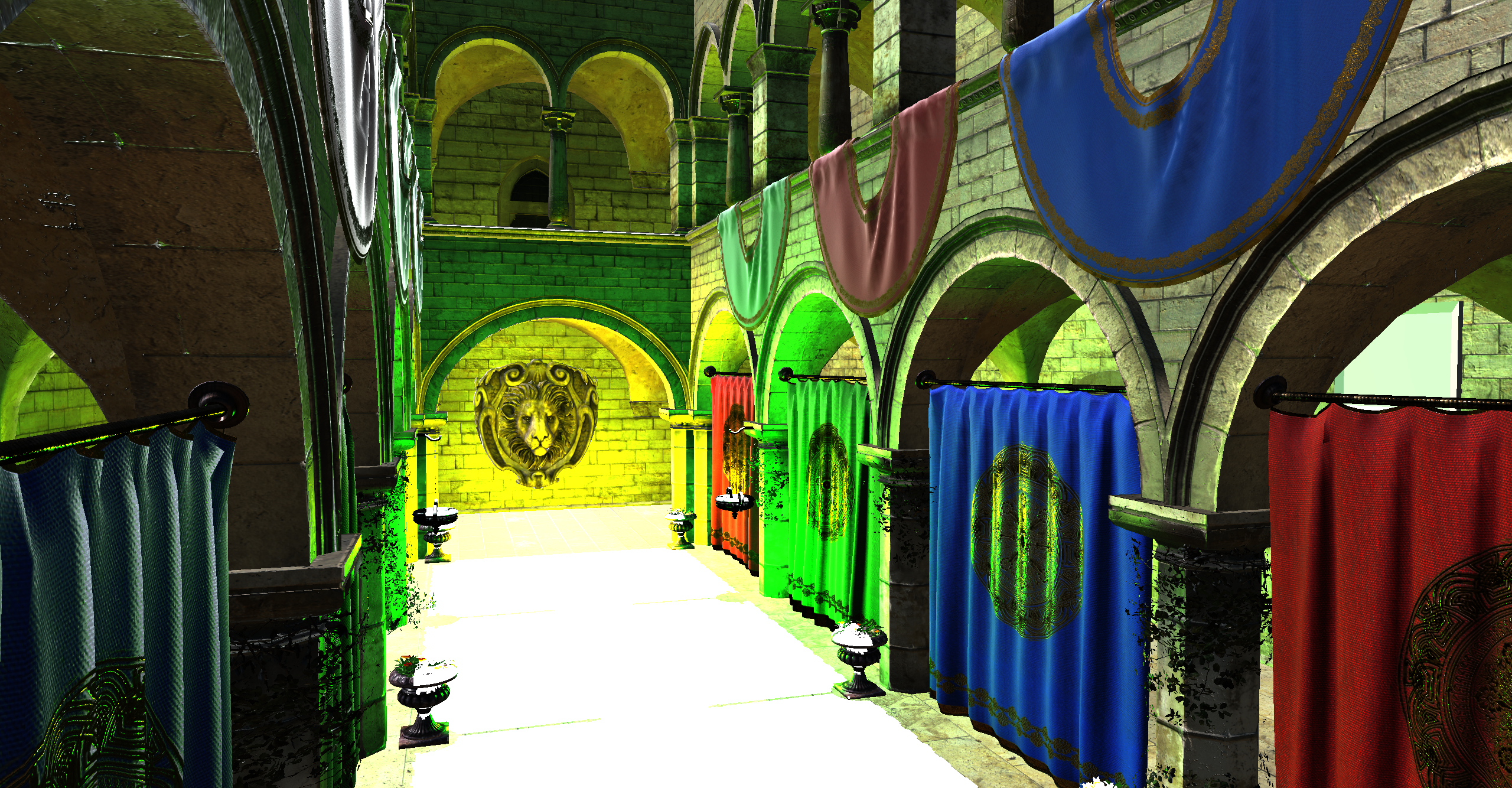
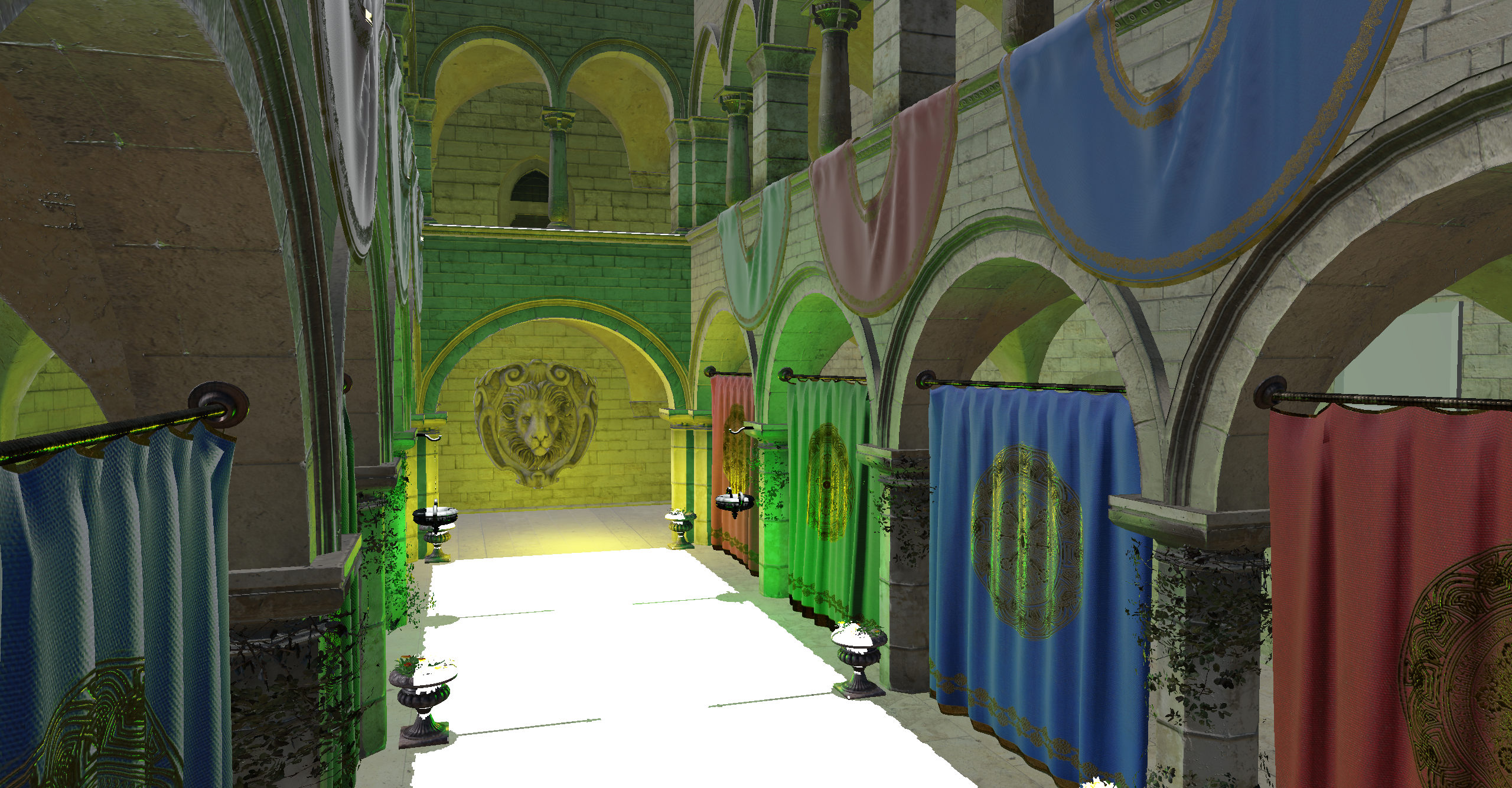
I already had some graphics programming experience, mainly with my Software Ray-Tracer and Rasterizer. From these, I learned the fundamentals of the graphics pipeline and how the GPU works, though everything was implemented on the CPU.
Later, I explored hardware rendering by adding DirectX 11 support to my rasterizer, which was a great way to understand working with the GPU through an API. However, I wanted to dive into something more modern, which led me to discover Vulkan.
I started out by following the Vulkan tutorial, which was great. It taught me how to work with Vulkan and explained how the API worked. Although at the end of the tutorial, you end up with 1 main file with all your code which is over 1000 lines long. This was far from ideal for what I wanted to achieve.
The next step was to refactor all that code into something more useable and reuseable. I created my own wrapper around Vulkan with classes, helper functions, builder pattern, and more, aiming for a structure that made it easier to extend and maintain.
Once I completed the main ideas of my refactor, I started working on adding new features such as dynamic and bindless rendering, switching from forward to deferred rendering, and even adding shadowmapping and Image Based Lighting, as well as more features. At this stage, I had a fully functional Vulkan 3D rasterizer, but it still wasn’t exactly what I envisioned.
I wanted to add more to Pompeii, expand it further, make a user interface to control objects in the scene, add logic to objects, and slowly turn it into a useable engine of sorts. That goal has since outgrown Pompeii itself: rendering and logic are now split into separate projects. Pompeii builds as a standalone static library with an explicit frame lifecycle (start, record, submit, end) and a windowing interface, so it doesn't care who hosts it. On top of it sit Kobengine, my game engine that submits meshes, lights, and camera data to Pompeii each frame, and Kobeditor, the editor built on the engine.
Pompeii continues to evolve as the rendering layer of the stack. In the near future, I want to focus on improving the renderer's usability and improving its architecture, as well as adding new render features. Longer term, I'd love to explore an API-agnostic interface layer or a render graph.
Lighting in Pompeii is physically based: a Cook-Torrance BRDF for direct lighting, combined with Image Based Lighting (diffuse irradiance, prefiltered specular, and a BRDF LUT) generated from an HDR environment map, which also doubles as the skybox.
Both directional and point lights are supported, using physical units (lux and lumen). A dedicated shadow pass renders a 2D shadow map per directional light, with the light matrices automatically fitted to the scene's bounding box.
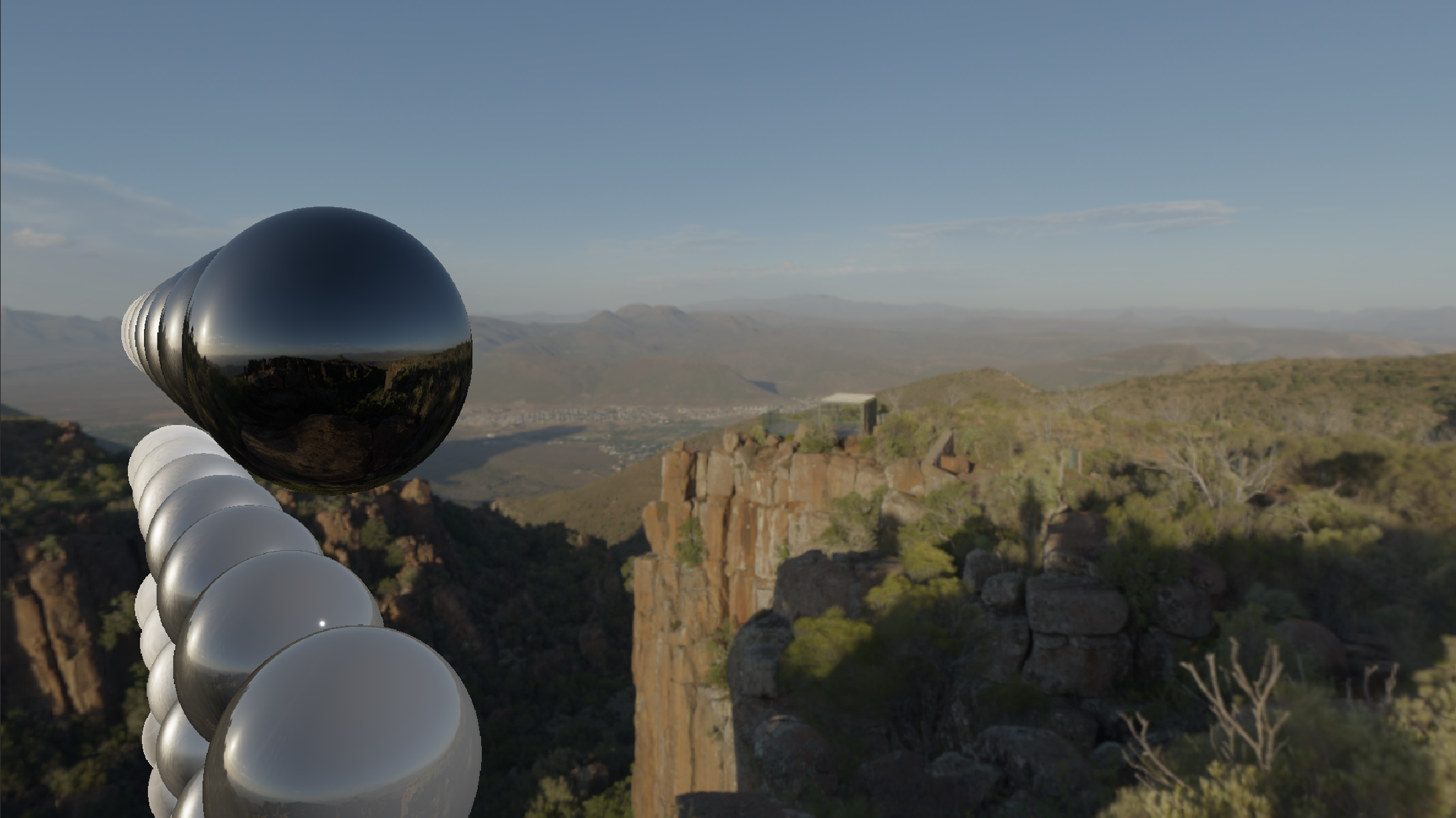
Automatic adjustment of the Exposure Value based on the average luminance, which is computed using compute shaders.
As I was trying to turn Pompeii into something easy to work with, and something I could use to make stuff in, one of the first steps was providing a user interface to manipulate objects. This experiment has since grown into a full, separate editor: Kobeditor, built on top of Kobengine, while Pompeii itself stays a pure rendering library.
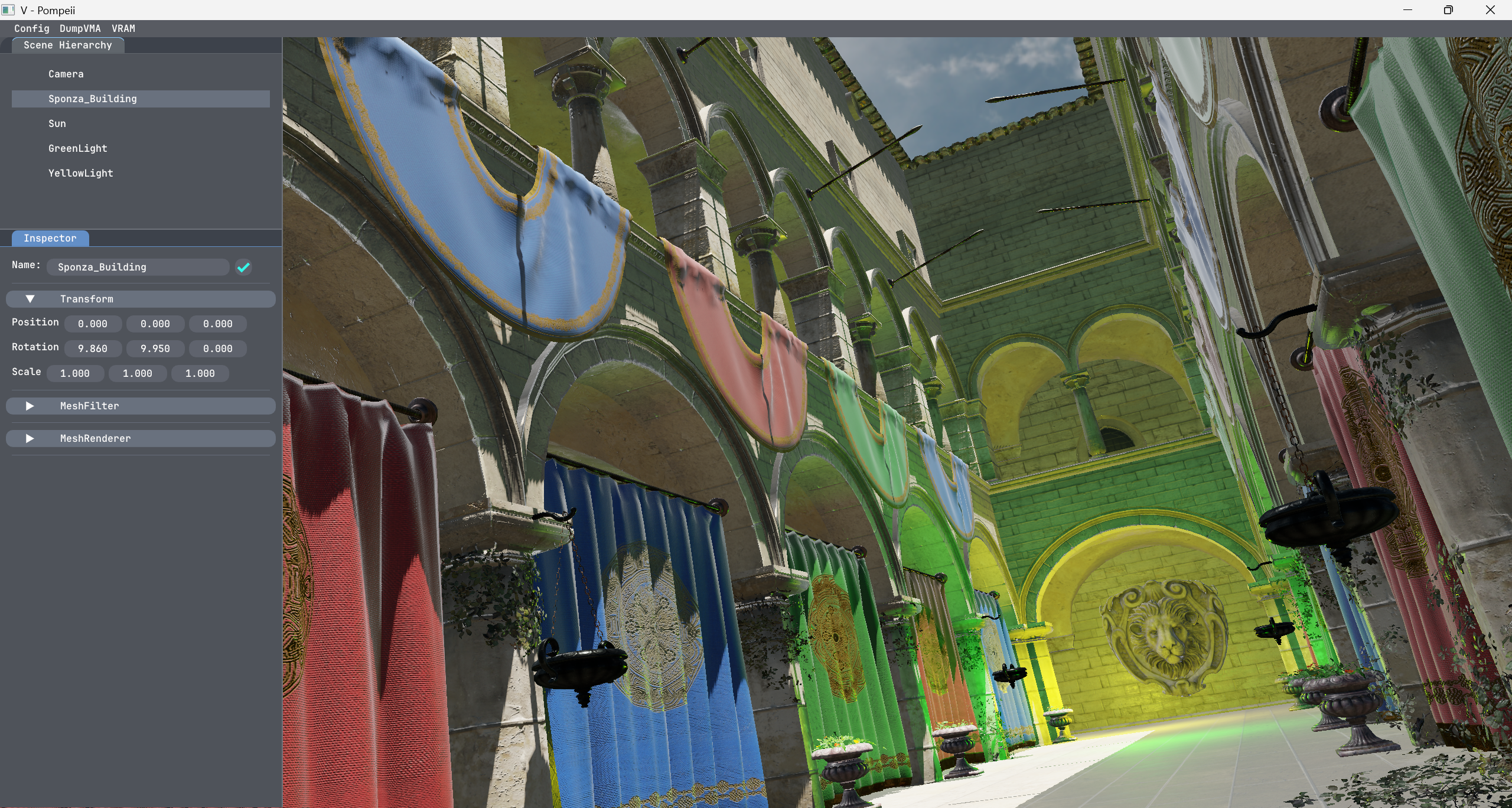
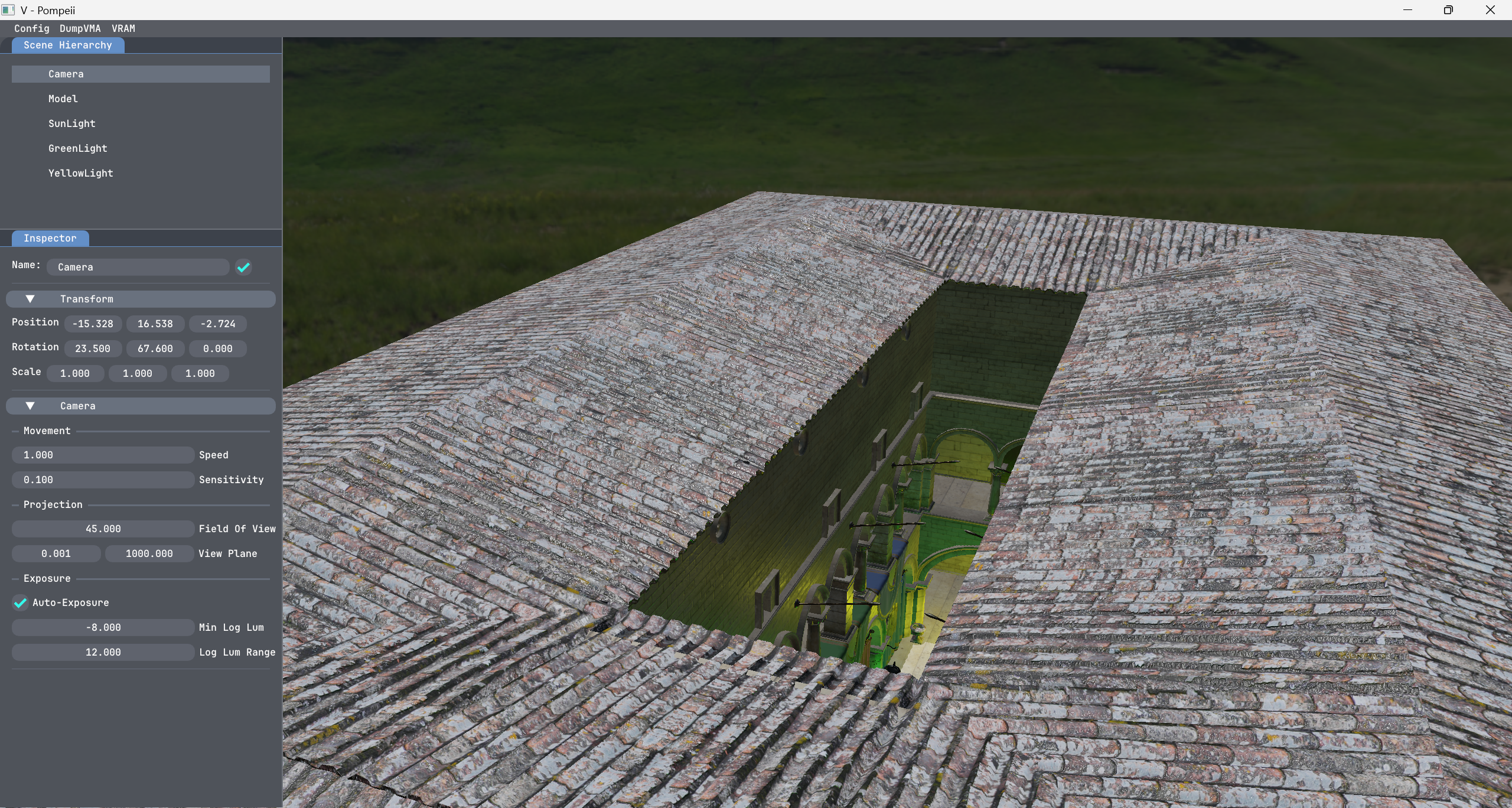
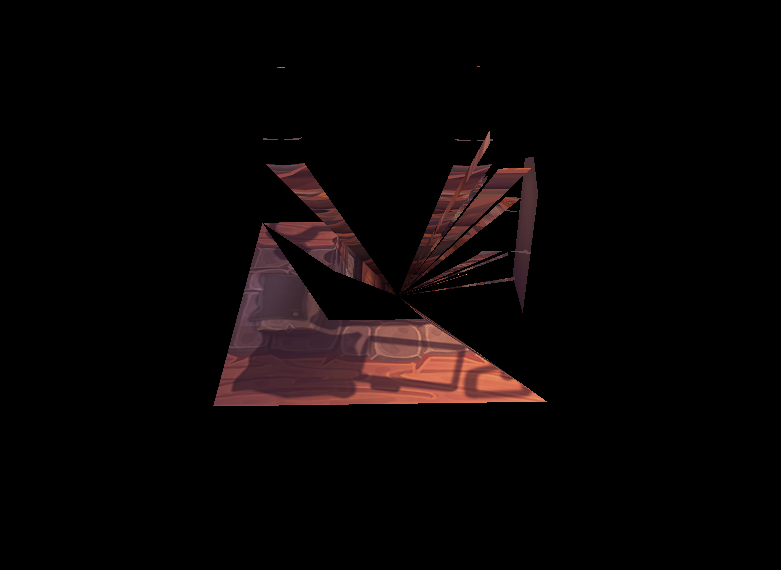
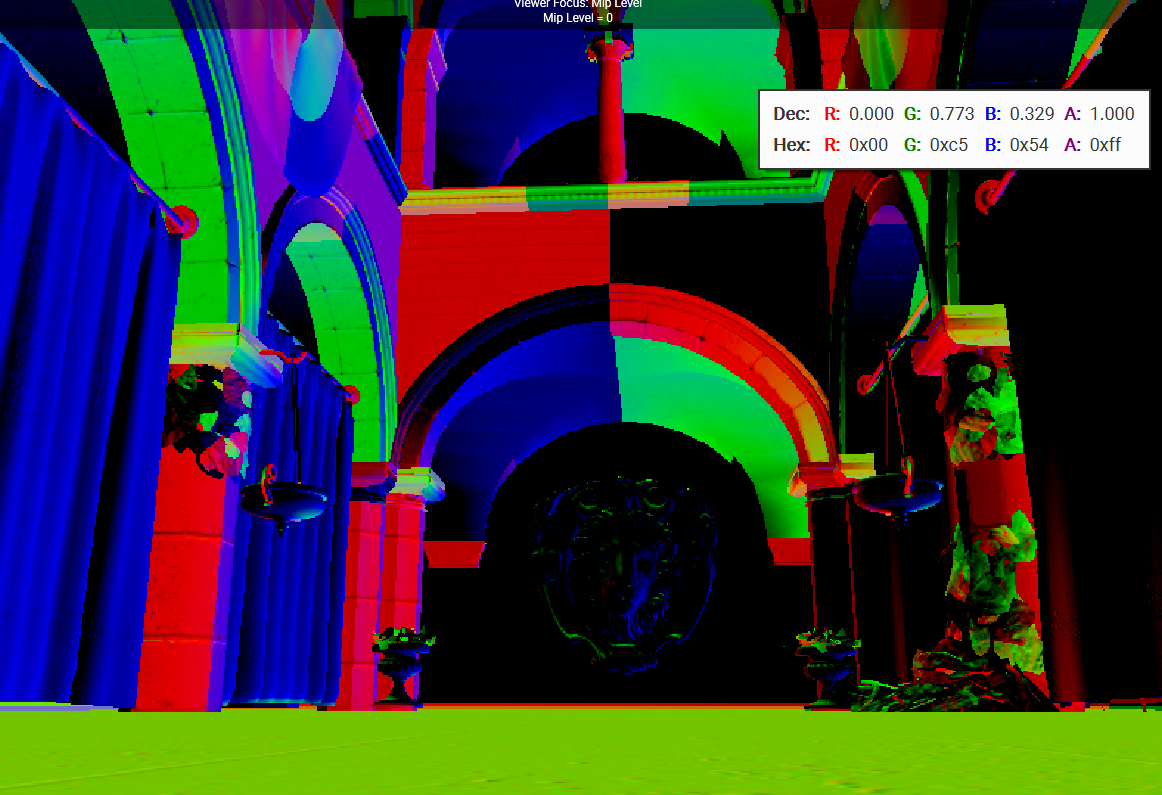
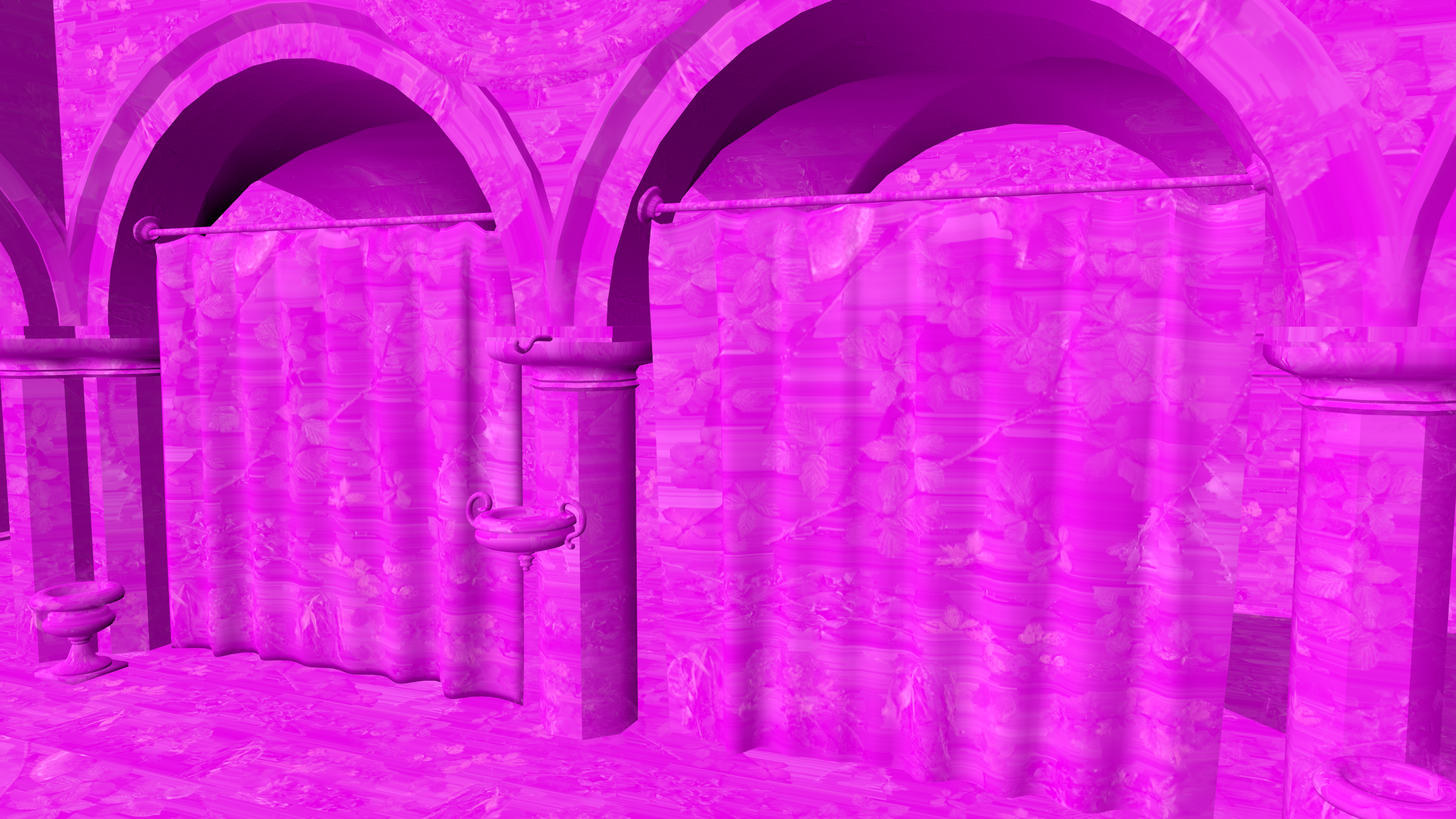
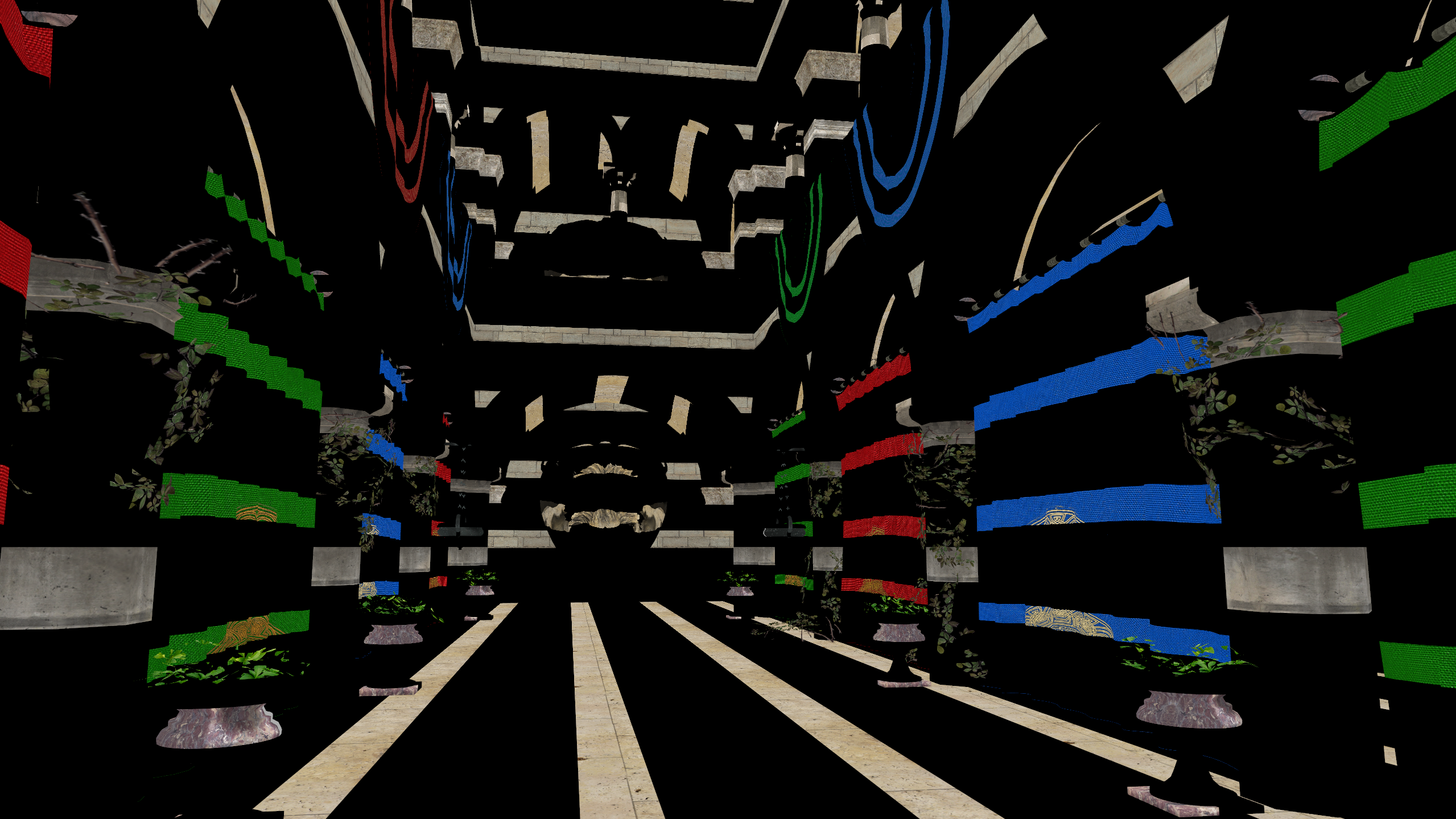
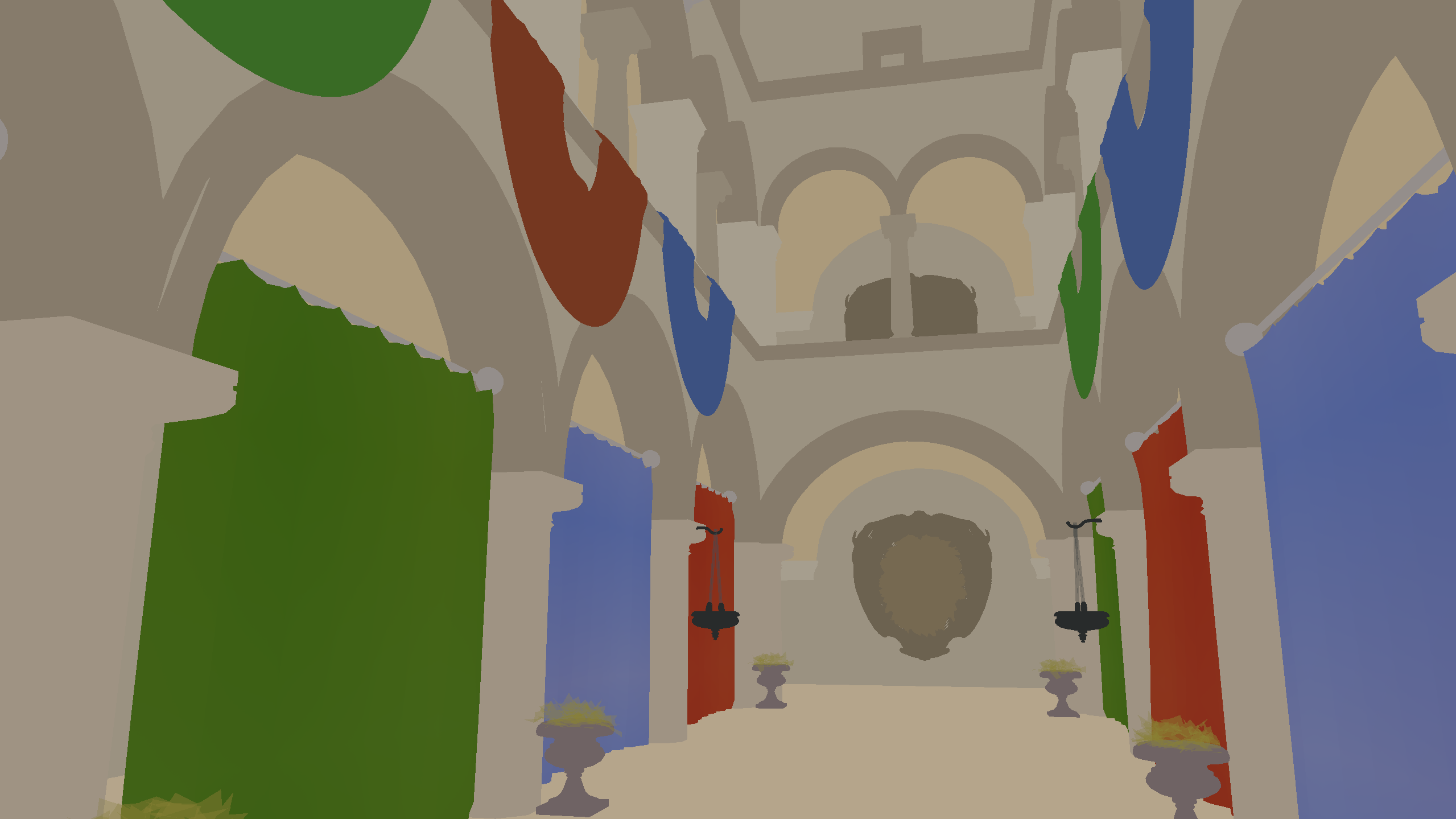
Enjoy these interesting bugs and errors I got while experimenting and messing around!
This is the fragment shader in the Blit Pass. Here I receive the HDR Image produced by the lighting pass, and I apply (auto) exposure and tonemapping to convert the image back to LDR, ready for presentation.
#version 450 core
#extension GL_GOOGLE_include_directive : require

// -- Includes --
#include "helpers_exposure.glsl"

// -- Data --
layout(set = 0, binding = 0) uniform sampler2D Render;
layout(set = 0, binding = 1) uniform CameraSettings
{
	float aperture;
	float shutterspeed;
	float iso;
} camSettings;
layout(set = 0, binding = 2) uniform sampler2D AverageLum;

// -- Input --
layout(location = 0) in vec2 fragTexCoord;

// -- Output --
layout(location = 0) out vec4 outColor;

// -- Shader --
void main()
{
	// -- Base Color --
	vec3 hdrColor = texture(Render, fragTexCoord).rgb;

	// -- Camera Exposure --
	const float EV100 = CalculateEV100(camSettings.aperture, camSettings.shutterspeed, camSettings.iso);
	const float exposure = EV100ToExposure(EV100);

	float averageLum = texelFetch(AverageLum, ivec2(0,0), 0).x;
	const float autoEV100 = AverageLuminanceToEV100(averageLum);
	const float autoExposure = EV100ToExposure(autoEV100);
	hdrColor = hdrColor * autoExposure;

	// -- Tone Mapping (WIP to switch dynamically) --
	const vec3 aces = ACESFilmToneMapping(hdrColor);
	const vec3 reinhard = ReinhardToneMapping(hdrColor);
	const vec3 uncharted2 = Uncharted2ToneMapping(hdrColor);
	vec3 ldrColor = reinhard;

	// -- Output --
	outColor = vec4(ldrColor, 1.0);
}
Real-time dynamic rendering, low-level graphics API for high-performance rendering.
Efficient memory management and resource allocation for Vulkan applications.
Cross-platform windowing and input management.
Mathematics library for handling transformations, matrices, and vector operations.
Single-header library for image loading, texture management, and other utility functions.
Supports loading 3D models in various formats to simplify asset integration.
Hover or tap a feature to see its description.