
 Kobe Dereyne
Ozone Absorption
The effects of Ozone Absorption in a Single Atmospheric Scattering model. Made with C++ and Vulkan.
The effects of Ozone Absorption in a Single Atmospheric Scattering model. Made with C++ and Vulkan.
The aim of this research is to investigate how incorporating an additional physical effect, such as ozone absorption, influences the perceived colour of the sky (as well as perceived realism), and how using different phase function approximations affects both the visual result and the computational performance of real-time rendering models.
More specifically, how does this additional physical effect influence the perceived color of the sky in a Single-Scattering Atmospheric Scattering Model. So in short, the question I sought out to answer was:
How does a single-scattering atmospheric scattering model compare visually and computationally when extended with ozone absorption and alternative phase function approximations?
Performance differences can be measured directly through profiling. Evaluating visual differences, however, is inherently subjective. To address this, a pairwise comparison survey was conducted where participants selected the more realistic image without knowing which model was used.
The project is built on a physically-based single scattering model, implemented from scratch using Vulkan. Unlike many real-time approaches, this implementation avoids lookup tables and instead evaluates the scattering integrals directly in the shader using numerical integration.
Rayleigh and Mie scattering are evaluated separately using numerical integration.
Added as an absorption term, subtly shifting sky colour without scattering.
Midpoint sampling along the view ray, sample count controls quality vs cost.
Performs numerical integration along the view ray & outputs accumulated Rayleigh and Mie scattering.
Applies phase functions & computes final colour contribution.
HDR rendering with exposure tone mapping.
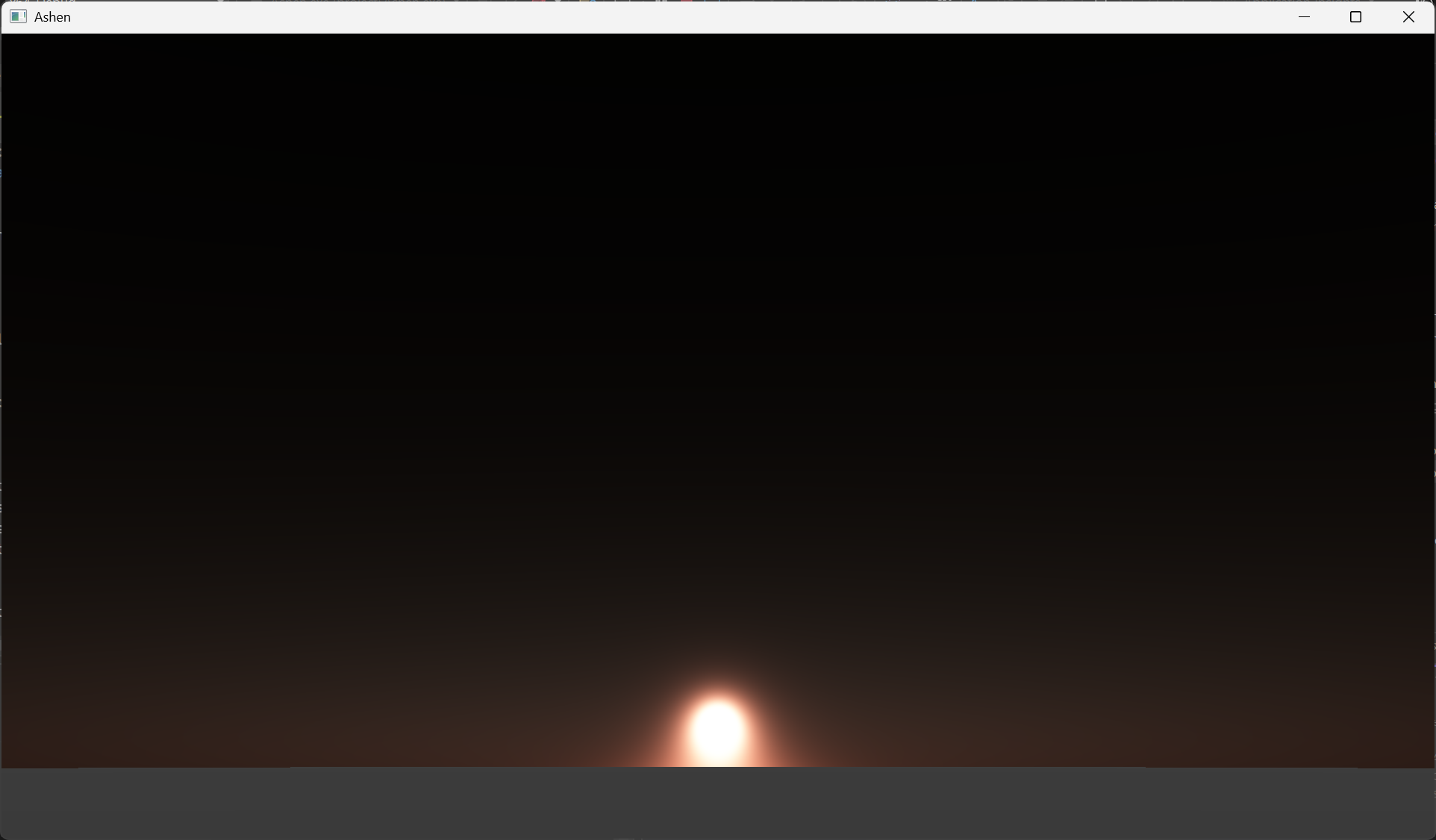
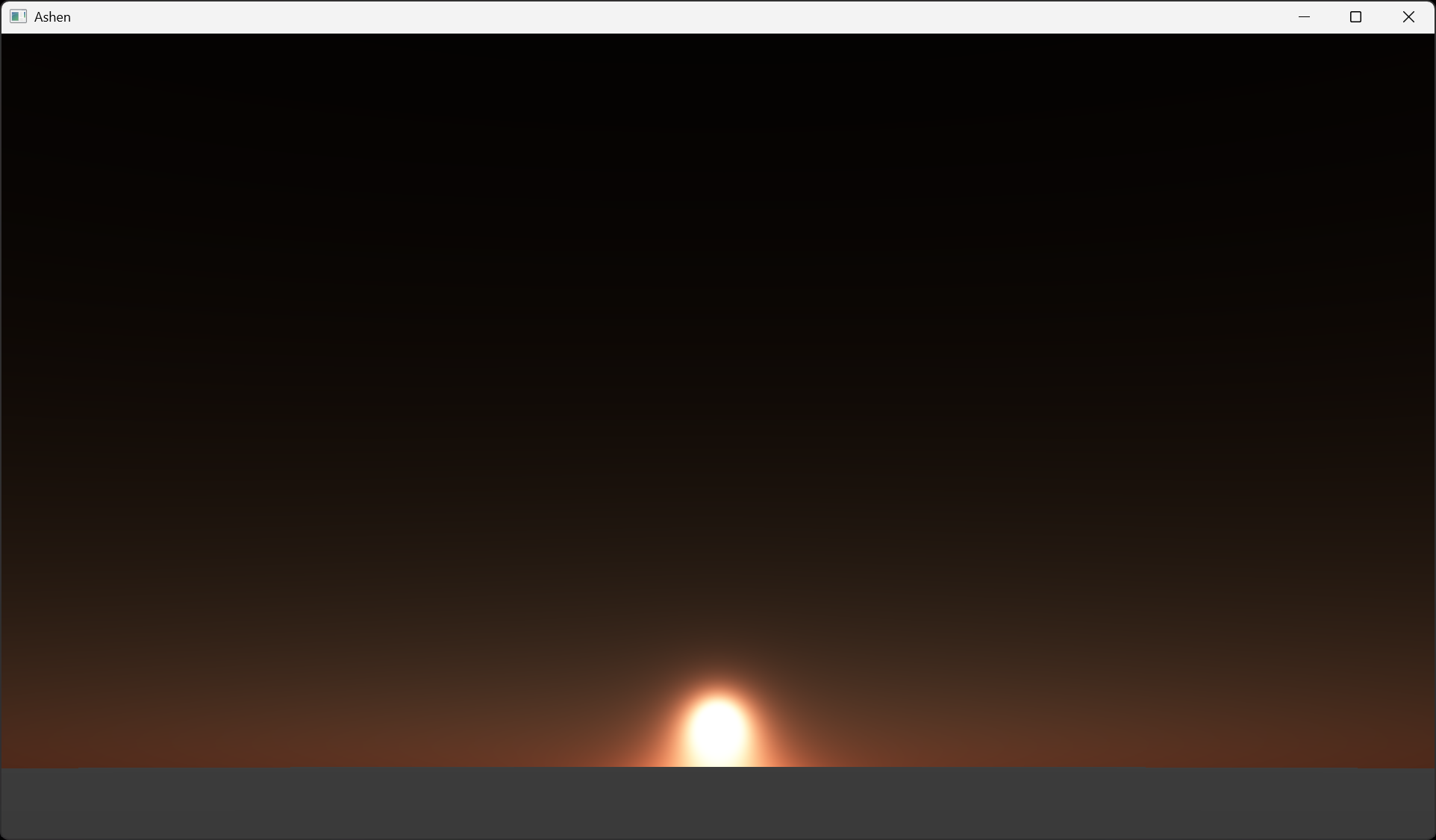
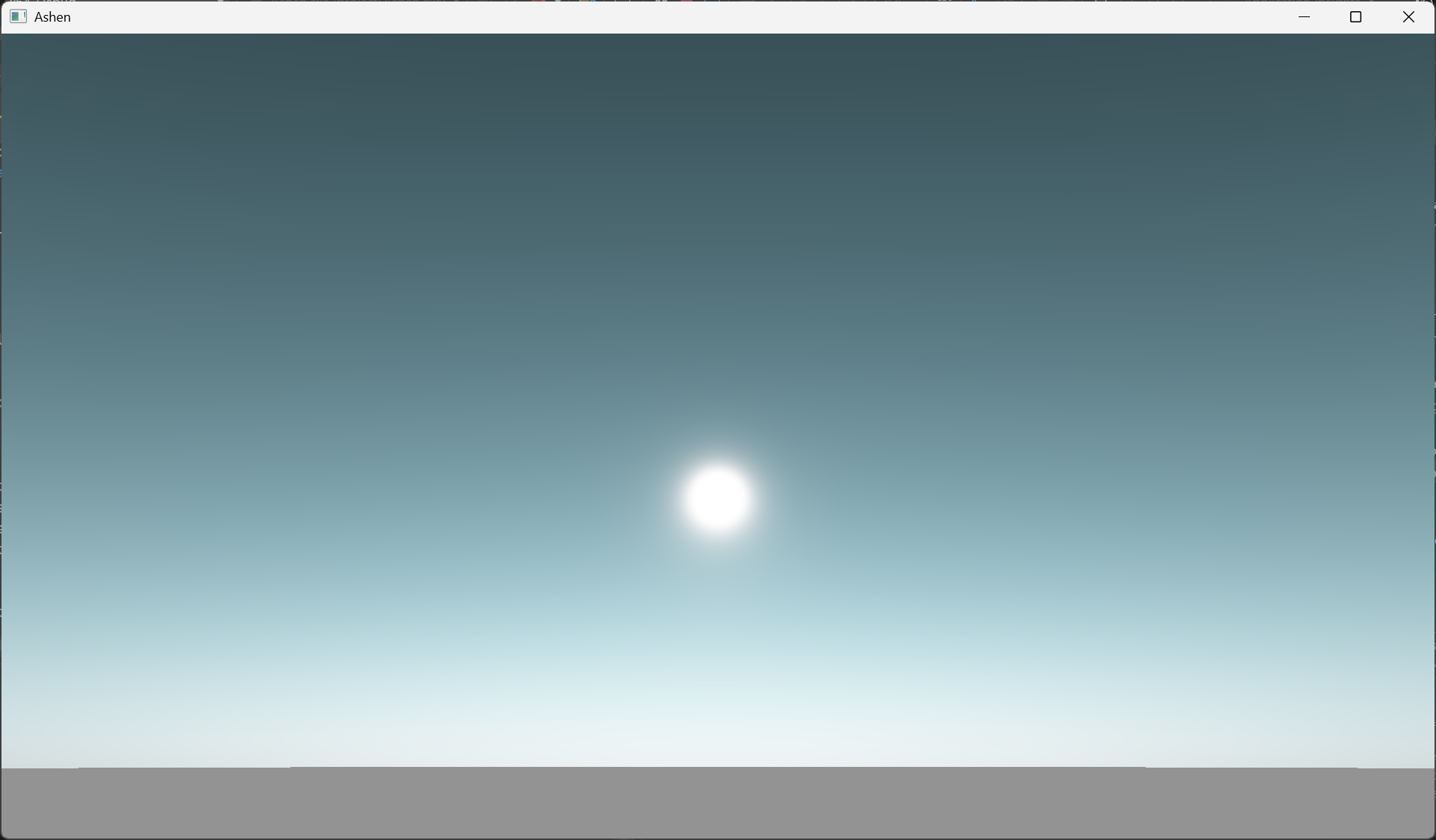
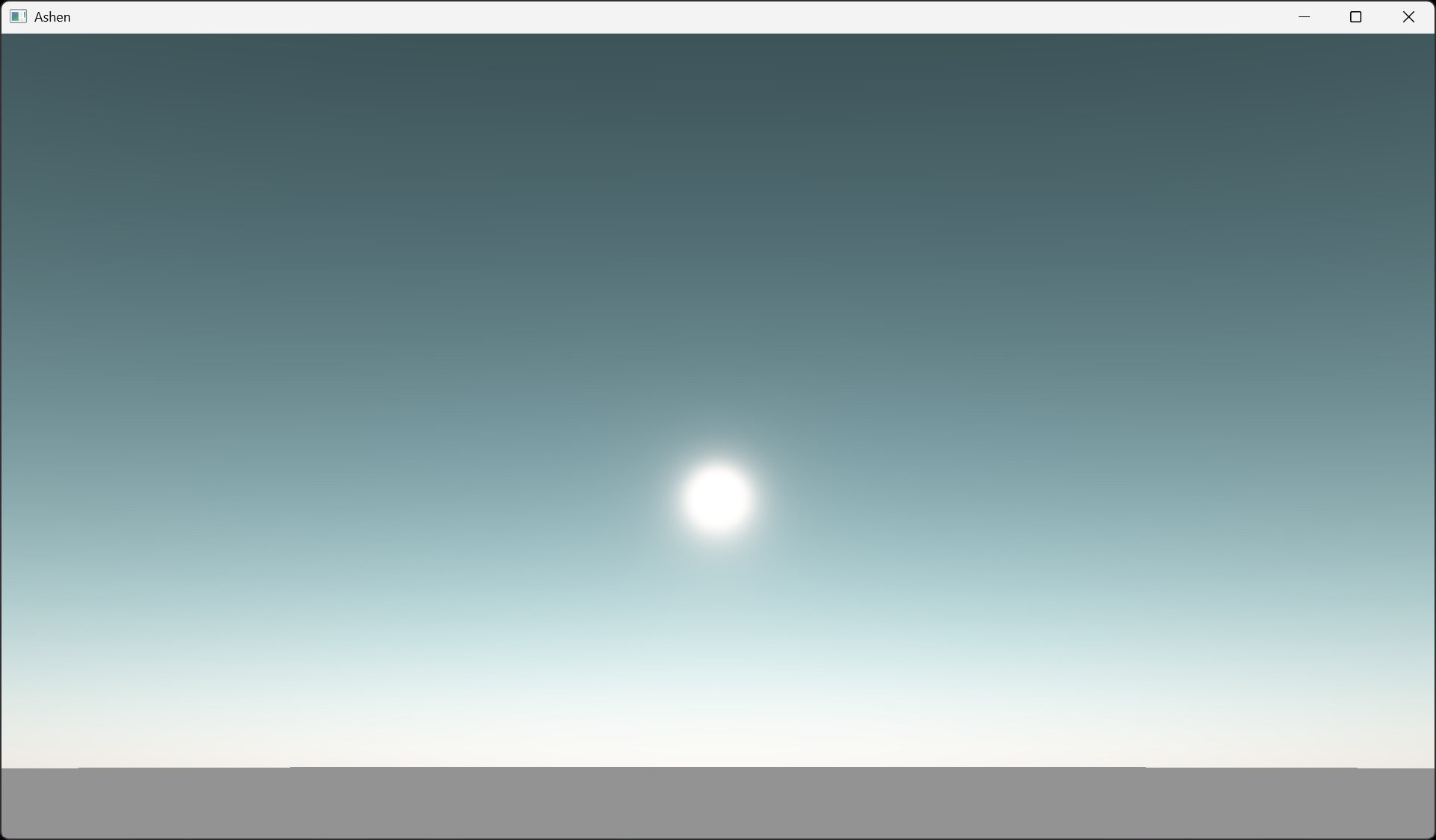
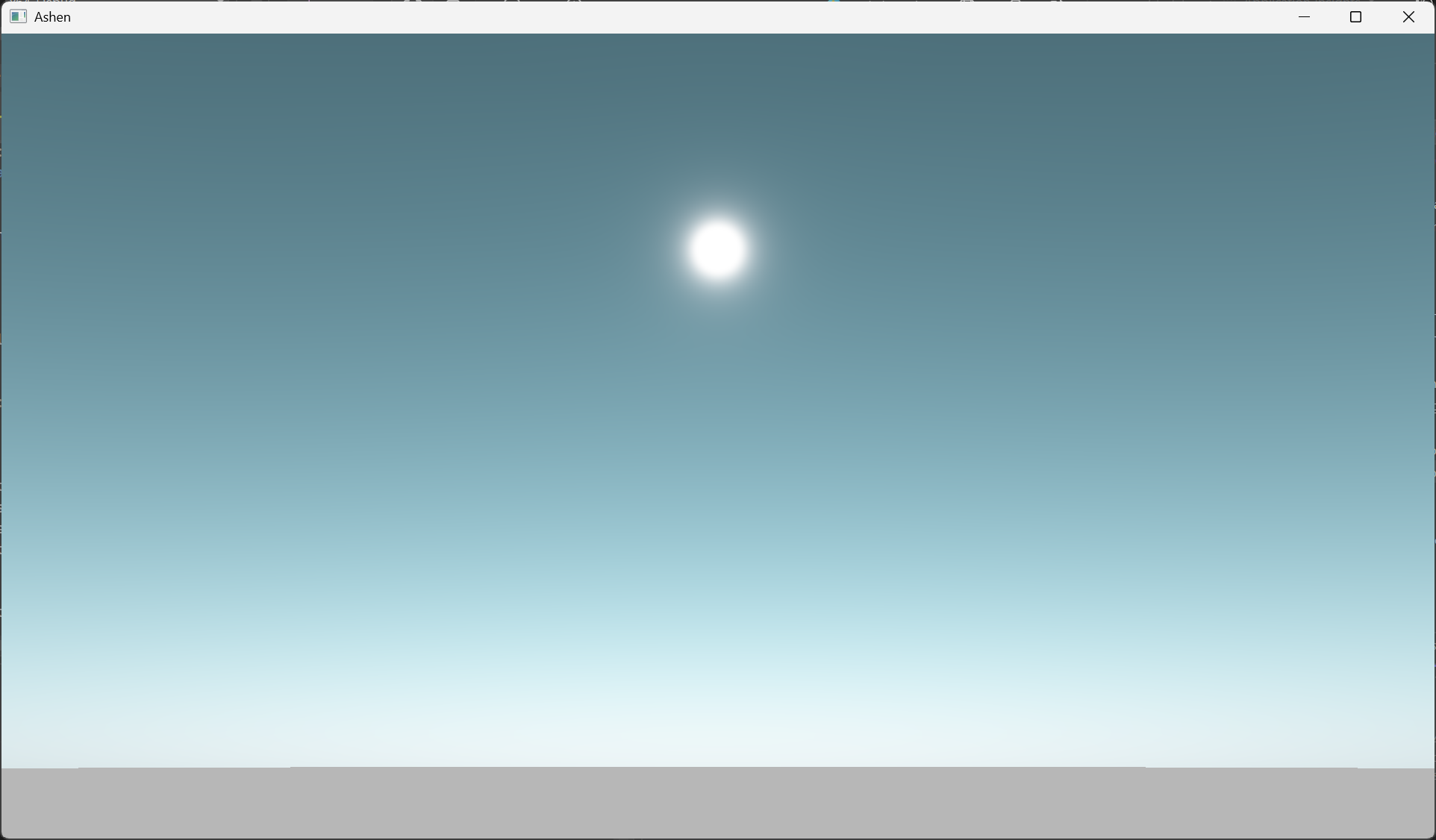
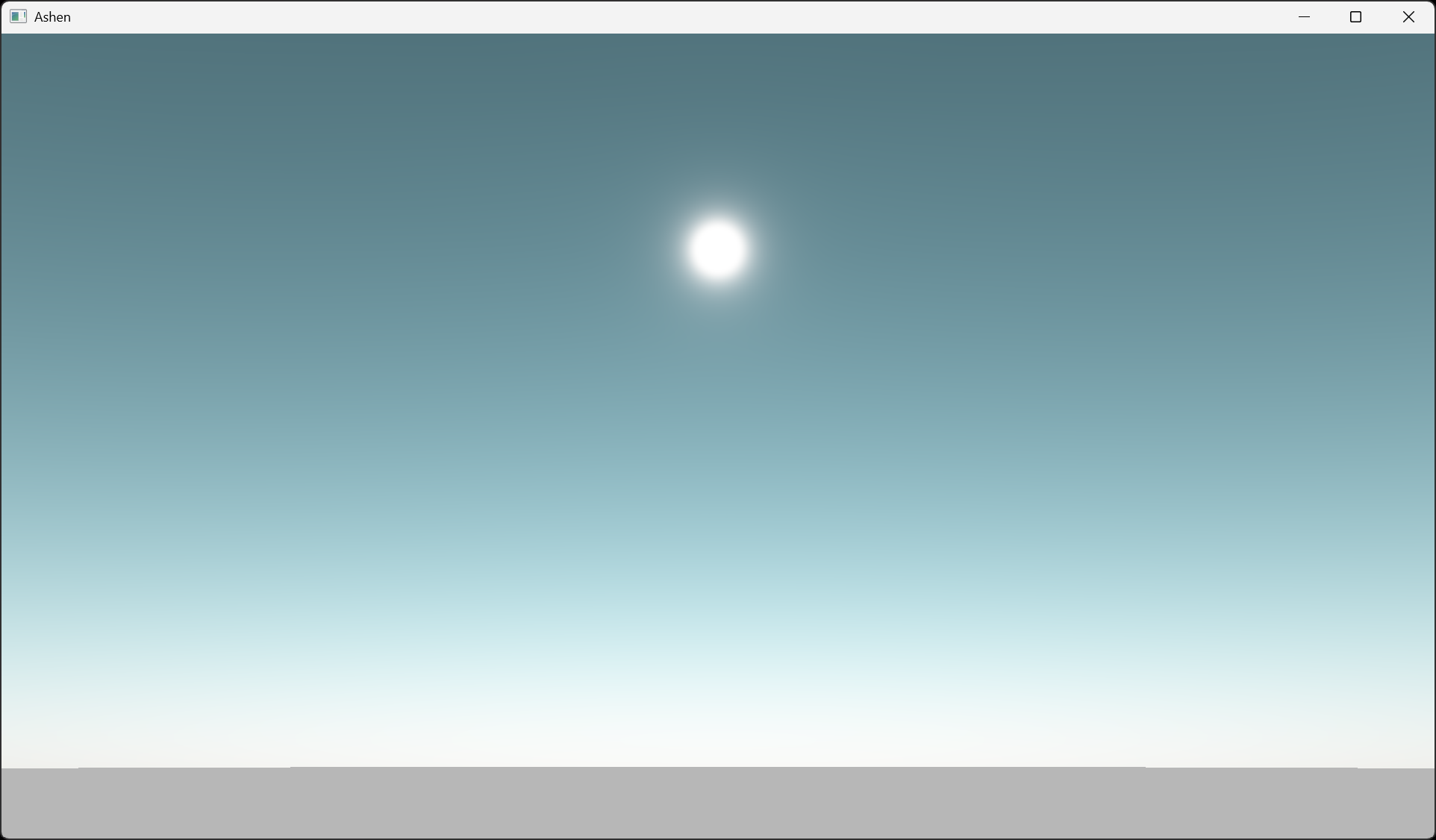
Blind pairwise comparison (44 participants)
- High sun: ozone preferred
- Low sun: non-ozone preferred
Ozone absorption and phase function selection introduce negligible overhead.
- Ozone absorption: minimal cost
- Phase function: negligible impact
Use the '+' and '-' keys to increase or decrease the sample count along the scattering ray. The default value is 16 samples.
Use the '3' key to increase the scattering parameter g. Use 'L-Shift + 3' to decrease it. The default value is -0.990.
Use the '4' key to increase the sun's intensity. Use 'L-Shift + 4' to decrease it. The default value is 20.
Use the '8' key to increase the exposure value. Use 'L-Shift + 8' to decrease it. The default value is 2.0.
Use the 'R-Shift' key with any of the aforementioned settings to speed up the rate of change.
Use the '9' key to go to the next set sun angle. Use 'L-Shift + 9' to go to the previous one. The set angles are low, medium and high. The default value is at a low sun angle.
Use the 'O' key to toggle Ozone Absorption on and off. The default value is on.
Use the 'F' key to toggle between the following phase functions: Henyey-Greenstein, Cornette-Shanks, and Double Henyey-Greenstein. The default value is Henyey-Greenstein.
use the 'Tab' key to toggle HDR Rendering on or off. The default value is on.
Use the 'WASD' keys to move forwards, left, backward, and right. Use the 'QE' keys to move down and up.
Use 'LMB + Drag' to rotate the camera.
Hover or tap a feature to see its description.