Kobe Dereyne
CPU/GPU Dual Rasterizer
A toggleable software (CPU) and hardware (DX11) rasterizer built to explore the math and mechanics of real-time rasterization.
A toggleable software (CPU) and hardware (DX11) rasterizer built to explore the math and mechanics of real-time rasterization.
The Dual Rasterizer project was created with three main goals in mind.
The first goal was to understand the math and logic behind real-time 3D rendering. Starting with a software rasterizer on the CPU forced me to do everything manually, from vertex transformations, perspective projection, and triangle rasterization to depth testing, shading, and more. Doing it all manually really helped me understand what each step in the graphics pipeline does, instead of letting the GPU "just handle it".
Once I had the basics down on the CPU side, the second goal was to take those same ideas and apply them to a GPU renderer using DirectX 11. That part was about learning how the graphics pipeline works in a real-world setting, working with shaders, buffers, sampler states, and all that. Having done it all in a software version first made it way easier to understand what the GPU pipeline is actually doing, instead of just copying examples.
The third goal was to combine the two. Allowing you to switch between the software and hardware rasterizer at runtime while still maintaining clean code.
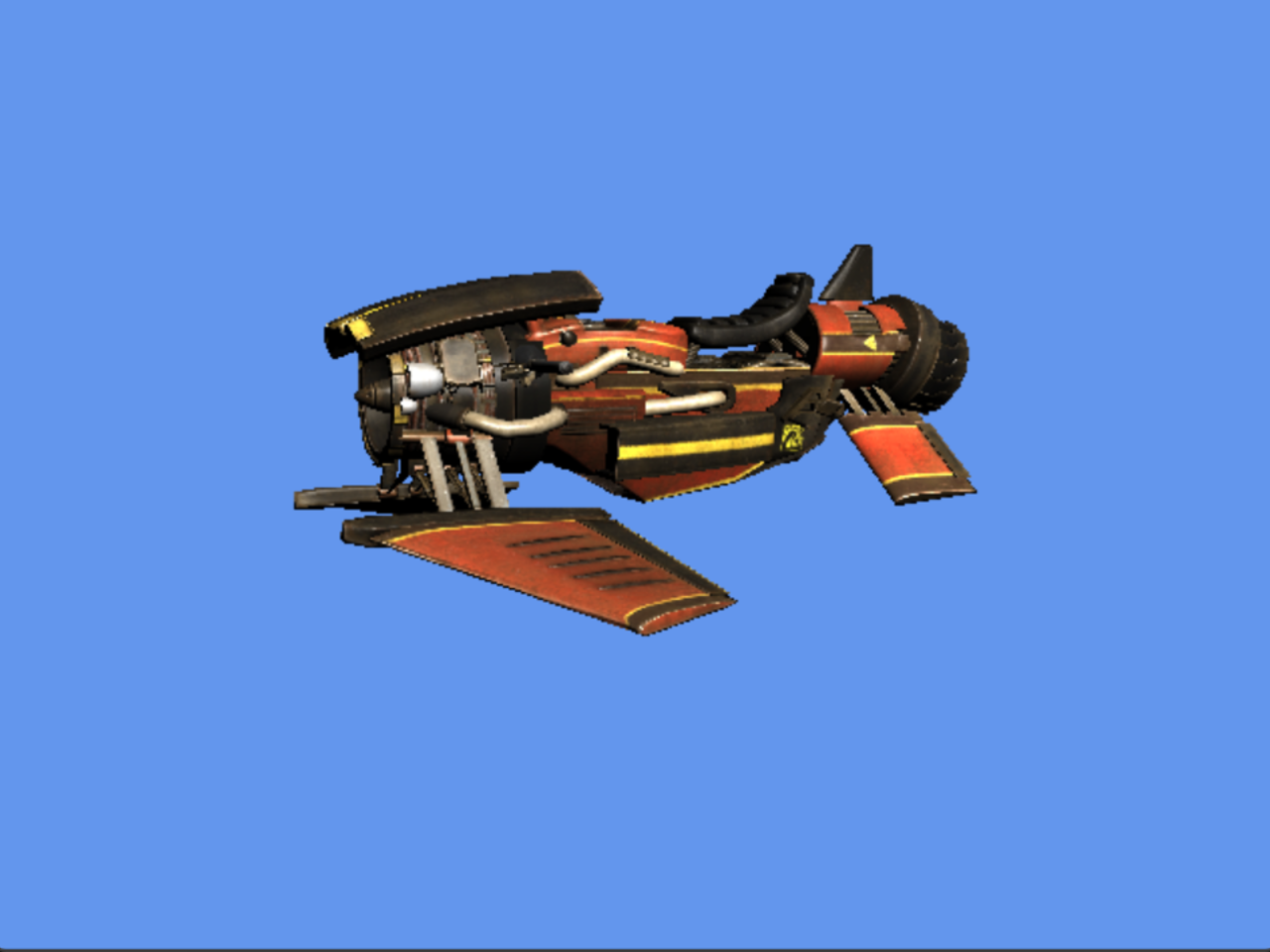
Switch between a custom CPU rasterizer and a DX11-based GPU implementation for comparison and learning.
Both renderers support tangent-space normal mapping for added surface detail.
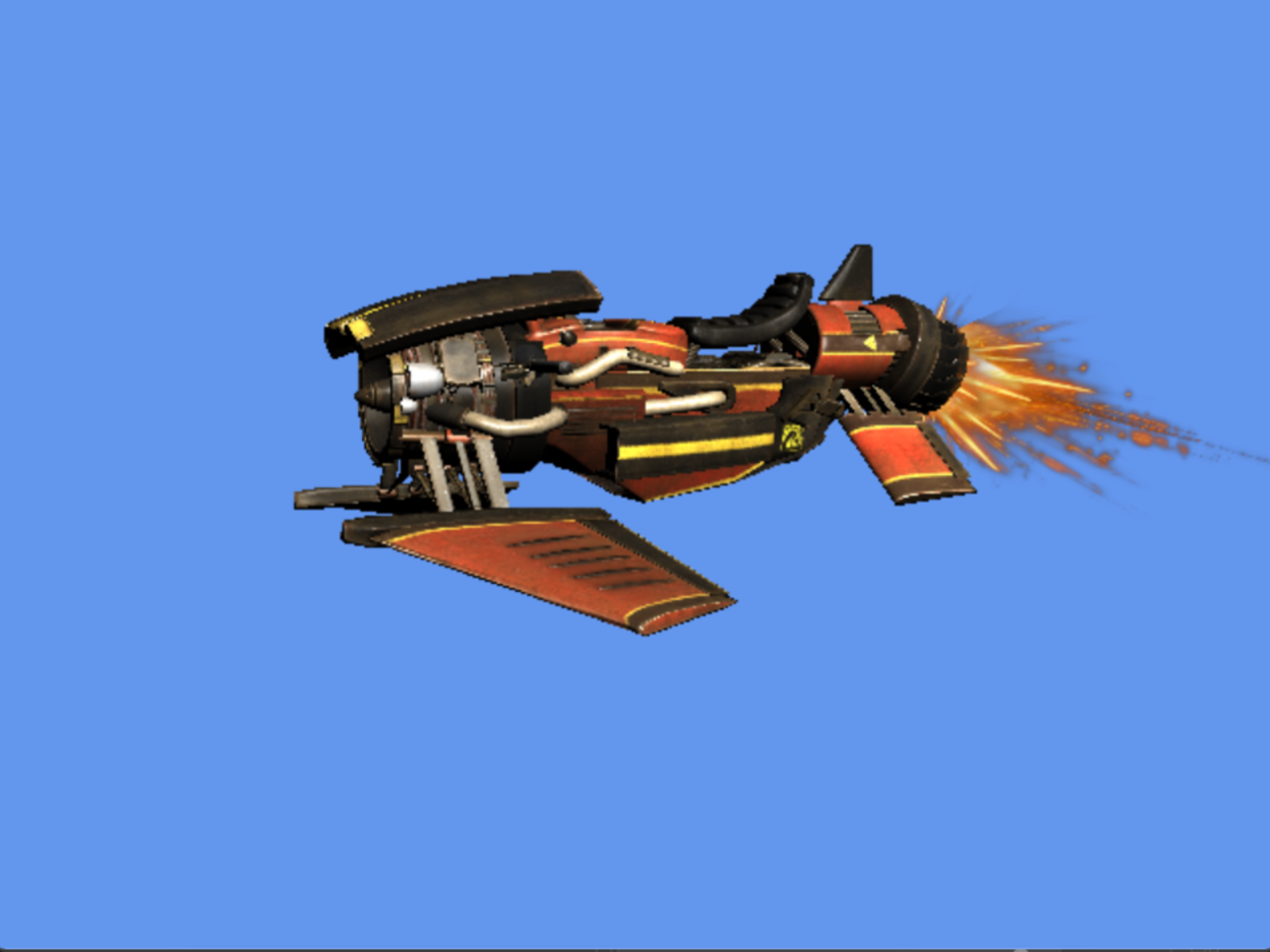
Basic transparency is supported in both renderers using alpha blending.
Easily switch between backface, frontface, or no culling to inspect geometry rendering.
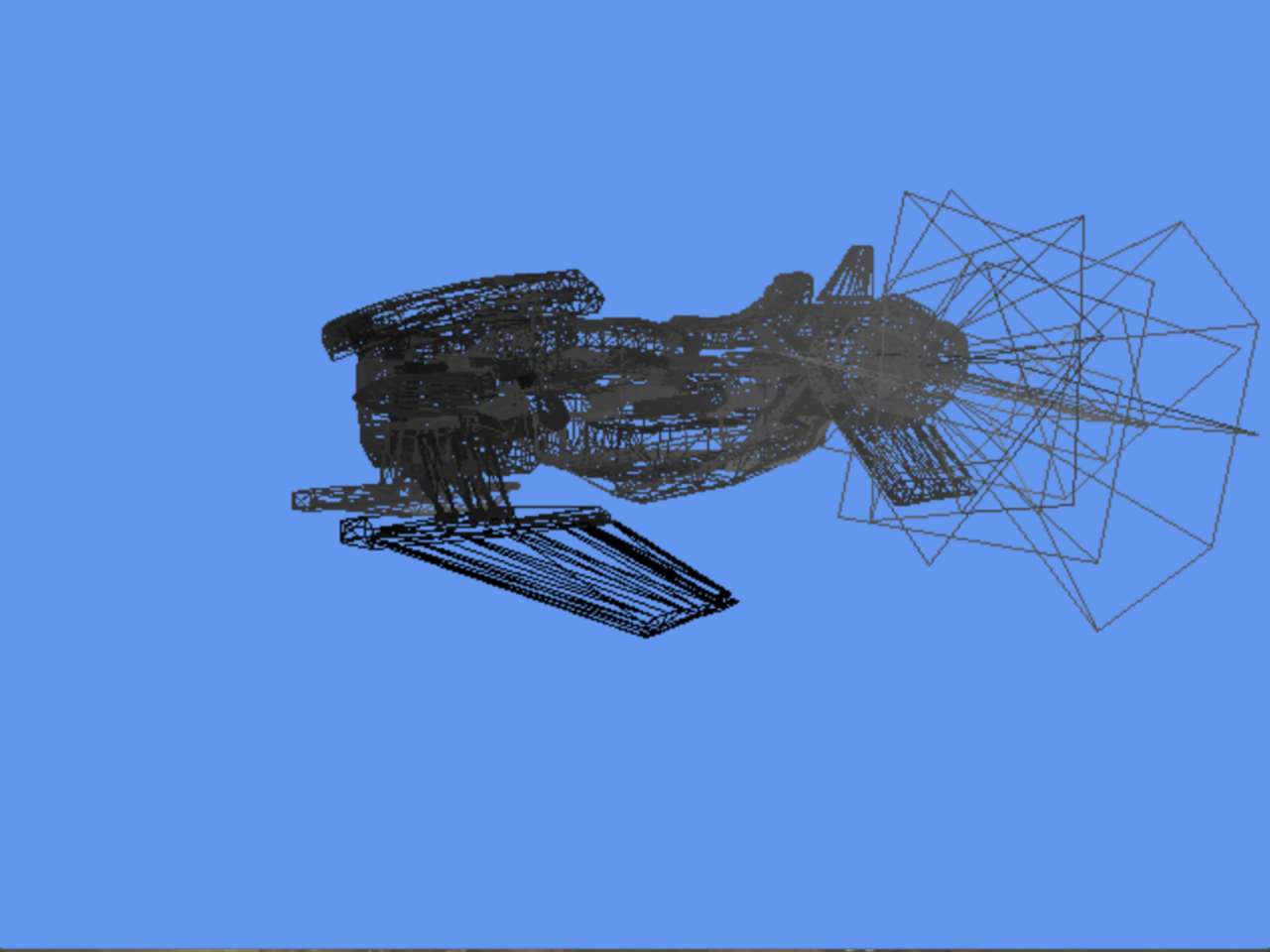
Debugging tools to visualize depth buffer, normals, and wireframe views.
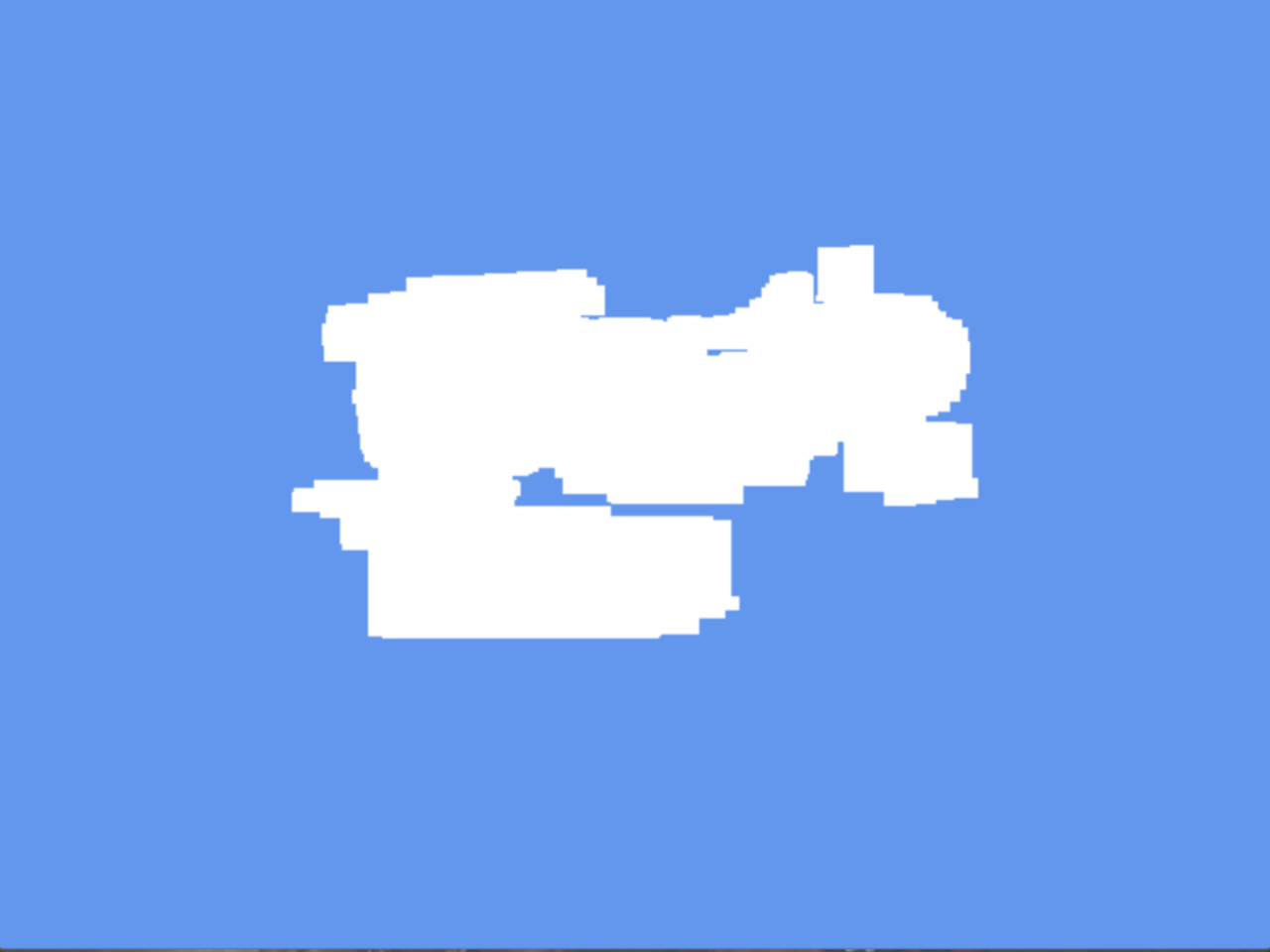
Enables visual debugging by drawing AABBs around mesh geometry.
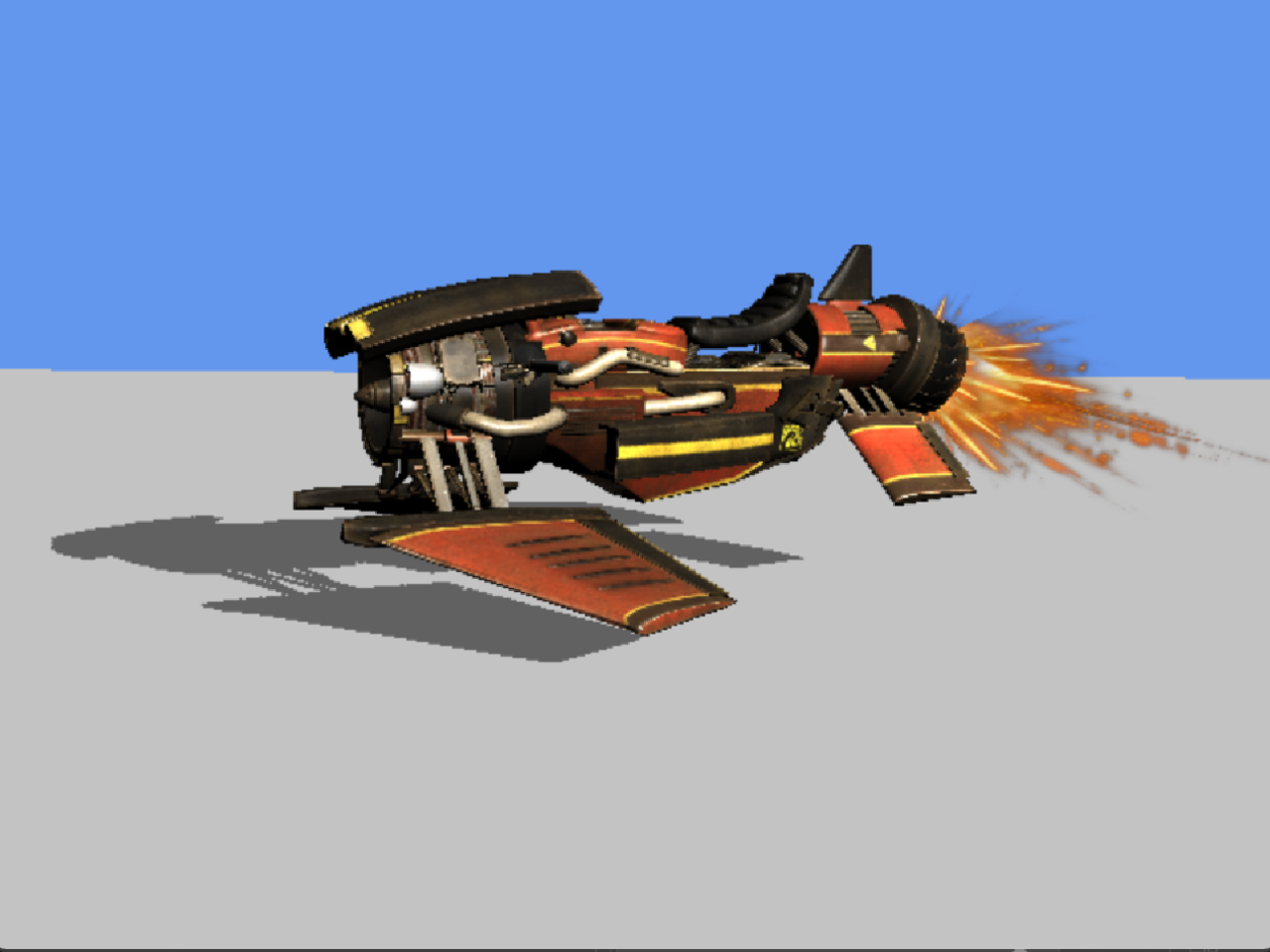
The GPU rasterizer supports directional shadow mapping.
Switch between point, linear, and anisotropic sampling at runtime.
Hover or tap a feature to see its description.